CUCHA organises your shelter's work and shows your animals to people looking to adopt, with your own showcase.
Works on your computer and your phone, with the same account.
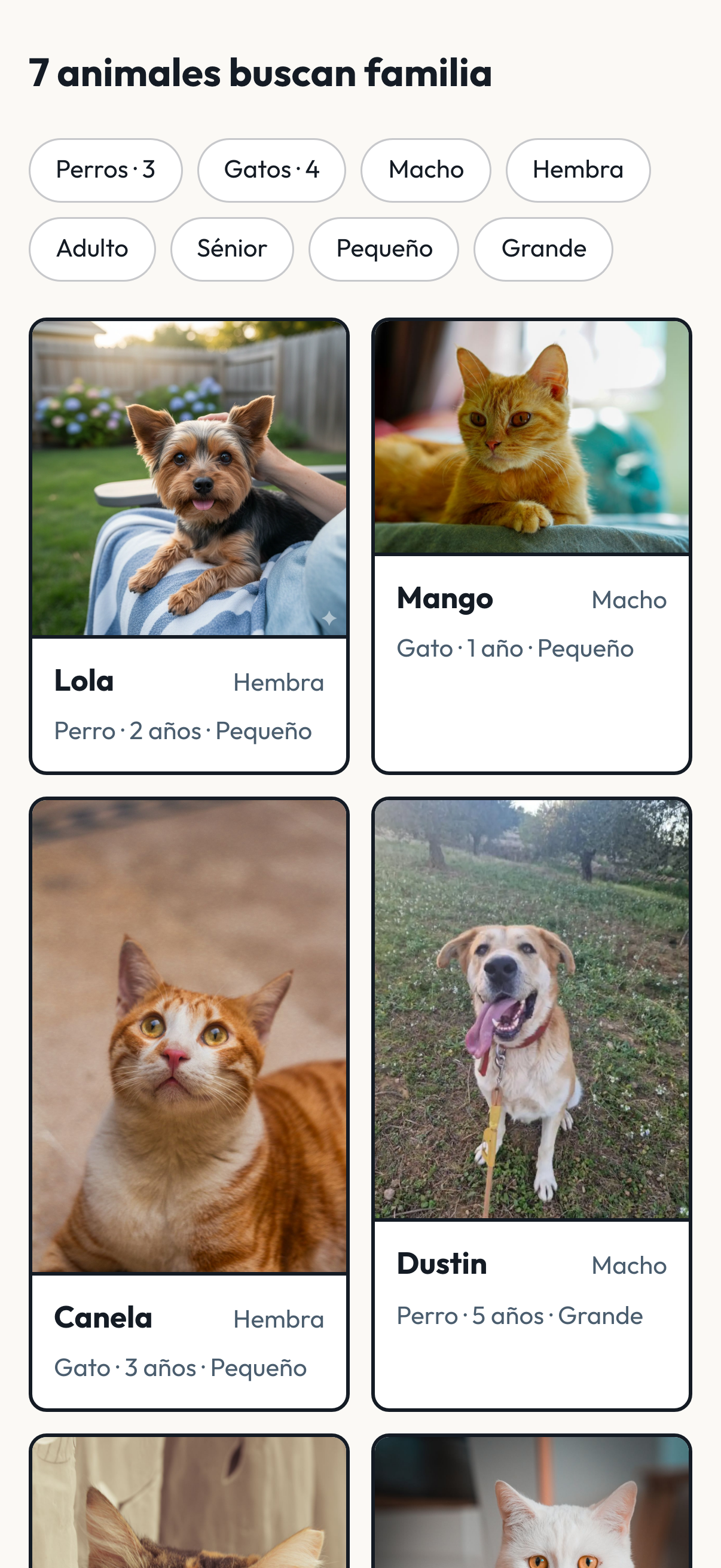
This is how your animals look in your showcase
 DustinDog
 NalaCat
 BlackyDog
 CopitoCat
 DanteDog
 MangoCat
 LolaDog
 CanelaCat
Animals from the demo shelter.
How it works
From profile to adoption, in four steps.
01
Add your animals
Profile, photos, health and kennel. Or bring them all at once from your spreadsheet.
02
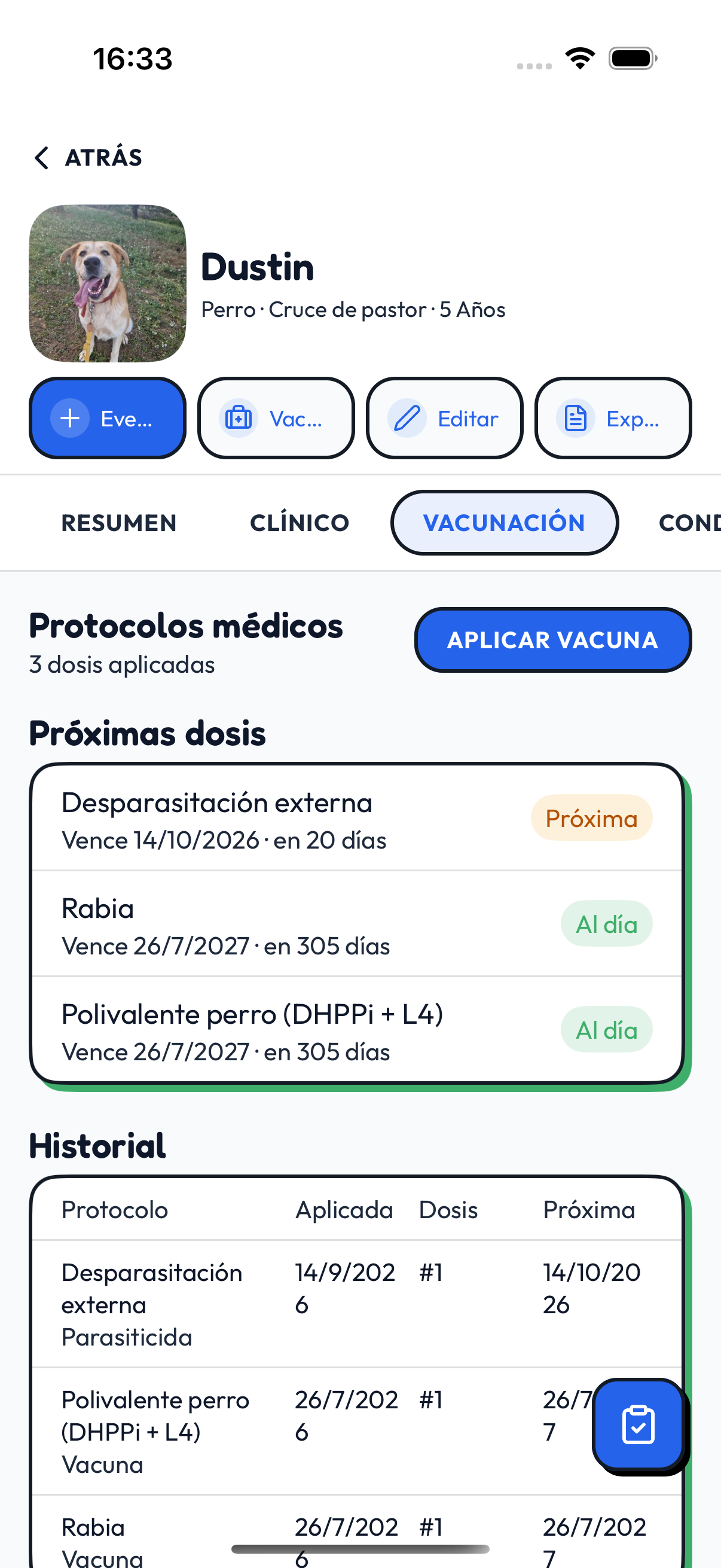
Share out the daily work
Tasks and shifts for the whole team, with reminders on the phone.
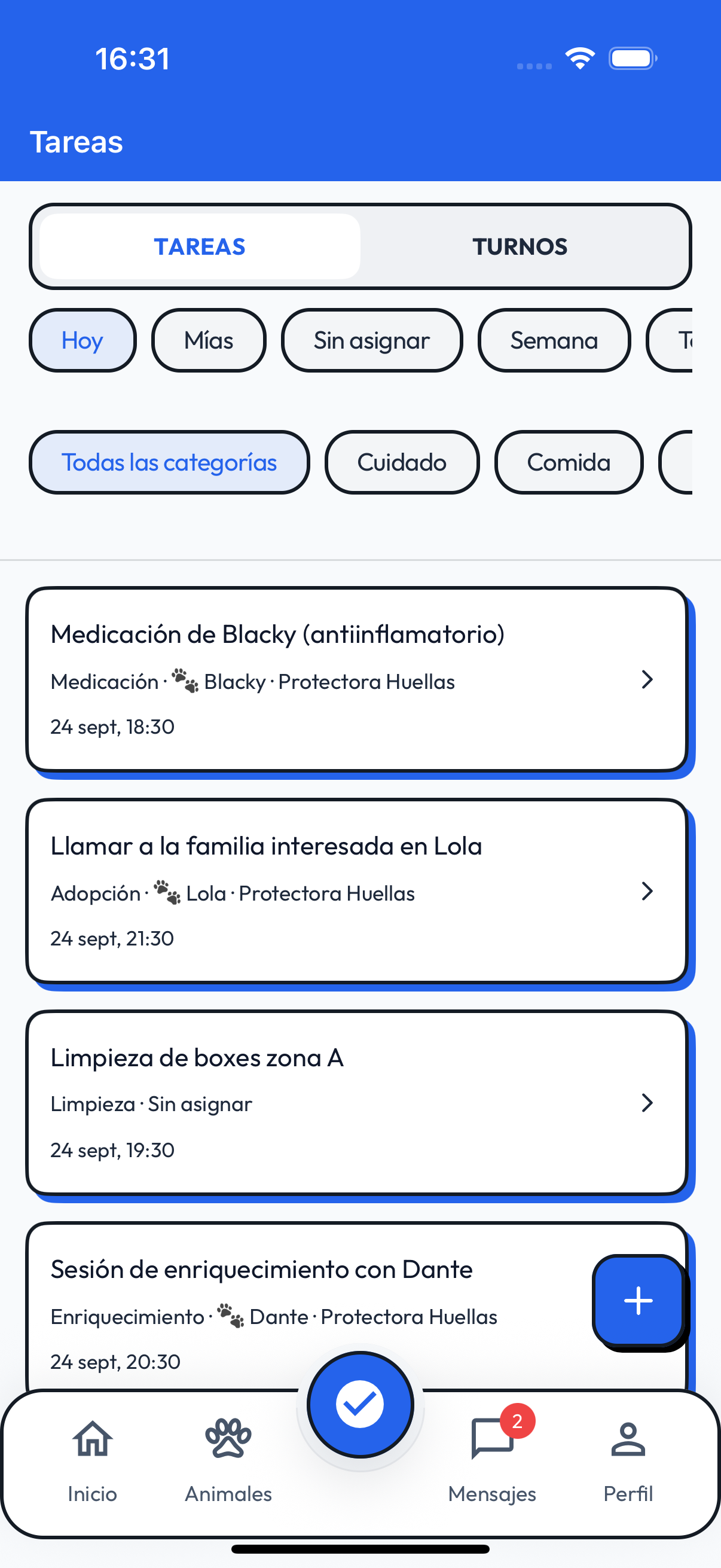
03
Open your showcase
A page with the animals you choose and a form for anyone who wants to adopt.
04
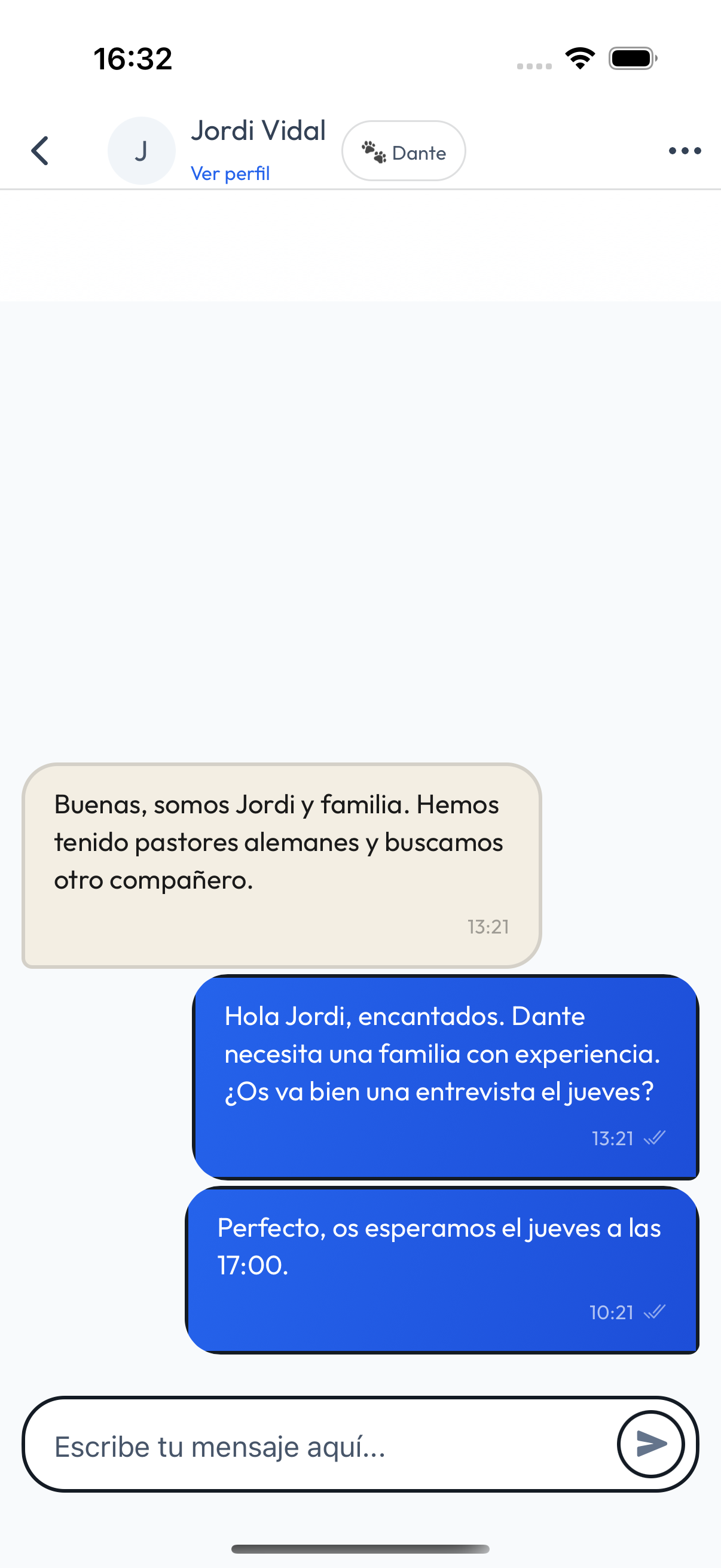
Guide every adoption
Applications, visits, contract and follow-up, step by step.
Also for cat colonies
Every street cat,
with a name and care.
Colony census, feeding stations and feeding shifts for volunteers, from your phone.
Get started
Cucha works by invitationRequest access
Shelters, cat colonies and foster homes: fill in the form and we will contact you.
Adopting? Use the link or QR code your shelter gives you.
Get your invitation
You will receive an email to create your password. If your shelter invites you, you join its team straight away.
Can’t find it? Check your spam or promotions folder.
Sign in wherever you like
On your computer at cucha.org. On your phone, with the app. It’s the same account on both.
Who's behind it
«I've always had animals around me and I love looking after them. I'm from Argentina and have been working in Barcelona for about six years. CUCHA started as a simple idea that grew for a long time until it became a personal project, for the good of animals and the people who care for them. We want to make it easy for you.»

Santiago Ferrara
Founder
Sofia Zelou
Community manager
FAQFrequently asked questions
Do I need an account?
What does trying it commit me to?
How does the adoption process work?
Can I foster an animal before adopting?
What happens to my data if I stop using Cucha?
Take Cucha in your pocket
The same account you use on your computer. Get it on iPhone from the App Store and on Android from Google Play.